UDS022 USB C Docking Station Dual Monitor Plug And Play Laptop Docking Station
Couldn't load pickup availability
Description
-
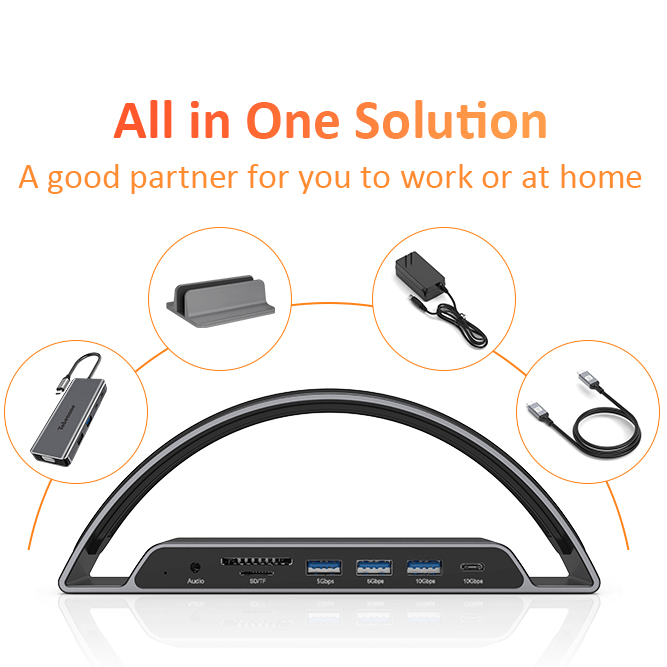
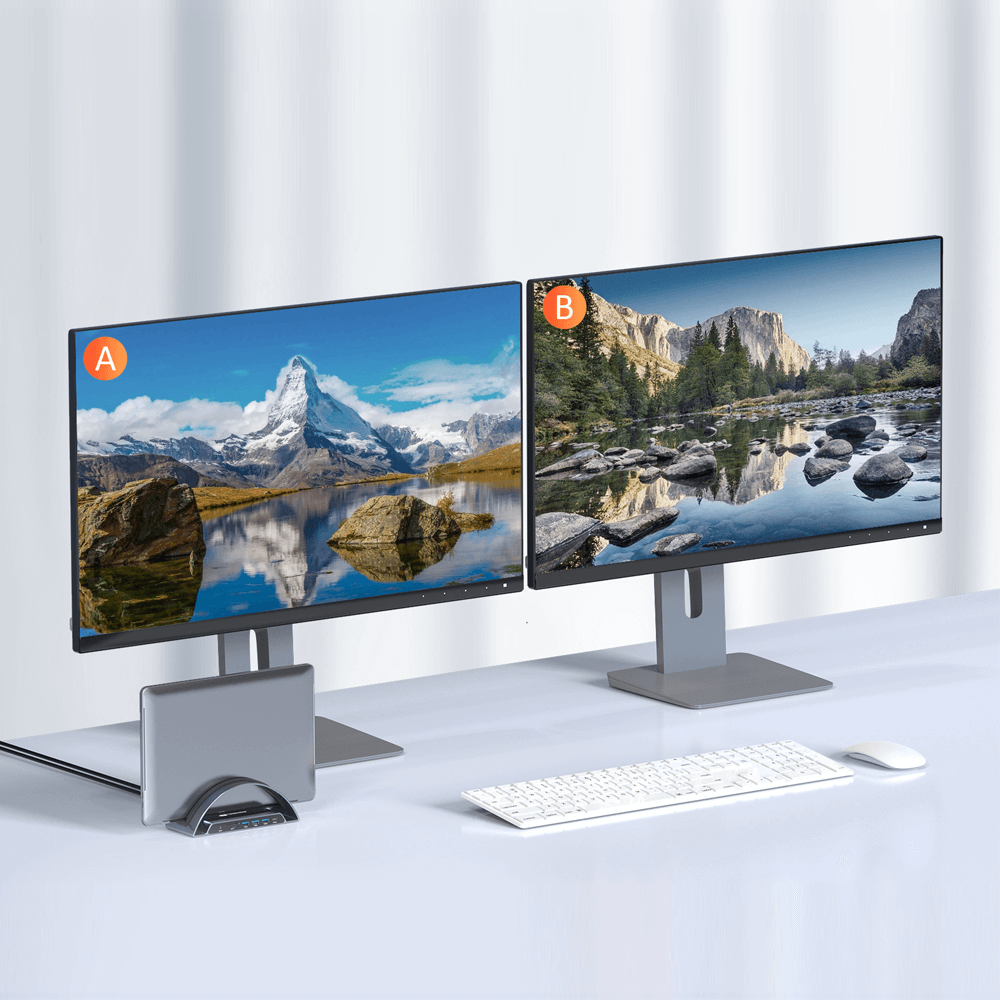
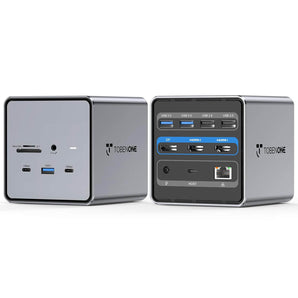
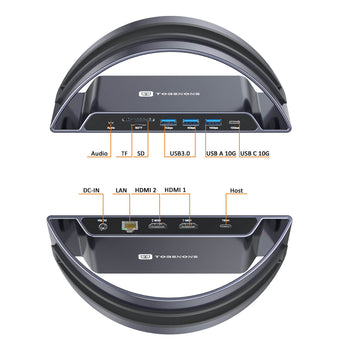
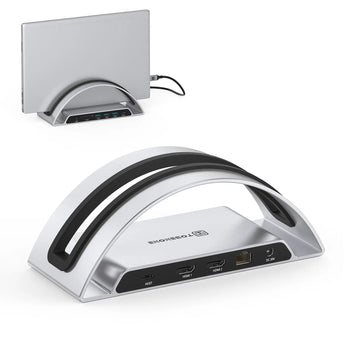
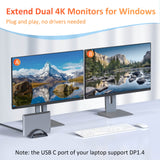
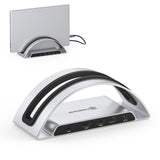
11 In 1 USB C docking station dual monitor: Tobenone USB C docking station stand can extend dual monitors for full-feature USB C Windows laptop. The USB C dock is equipped with 2 4K HDMI ports, 1 USB A 3.1 and 1 USB C 3.1 (up to 10Gbps), 2 USB 3.0 (up to 5Gbps), RJ45 Gigabit Ethernet, and 3.5mm microphone and audio, USB C HOST (connect to the USB C laptop and dock). Note: please ensure the USB C port of your laptop that supports DisplayPort Alternate Mode.
-
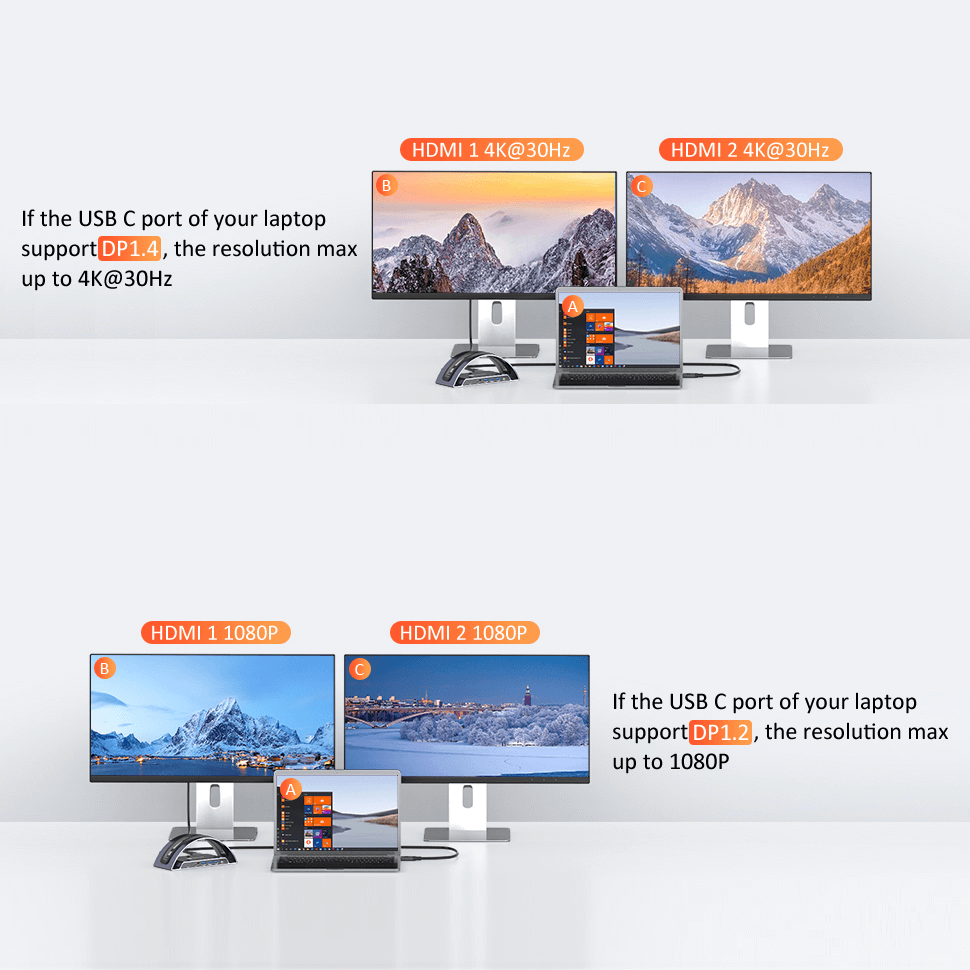
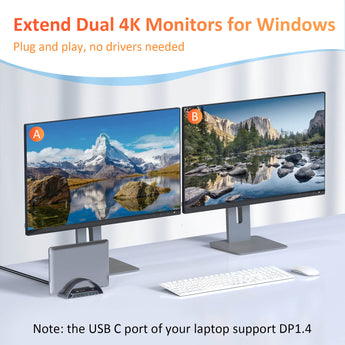
Dual 4K monitors docking station: This USB C dock Dual HDMI can easily extend dual monitors for your USB C windows laptops. When you use this laptop dock to extend dual monitors via Dual HDMI, the resolutions max up to 4K@30Hz(DP1.4), perfect for those who need to deal with Ultra HD image and video output tasks. Please make sure the USB C port of your Windows laptop support DP1.4 signal output or when you extend dual displays the resolution will be 1080P(DP1.2).
-
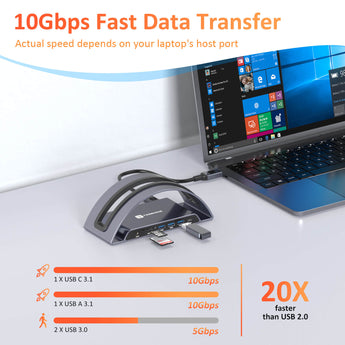
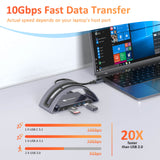
10Gbps superspeed data transfer dock: This laptop docking station dual monitors come with 1 USB A 3.1 and 1 USB C 3.1 port that supports speeds up to 10Gbps, allows you to transfer files in seconds from your USB flash driver, USB/USB C hard disks. In addition, you can connect the keyboard or mouse without any lag via 2 USB 3.0 ports.
-
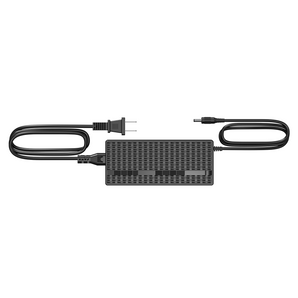
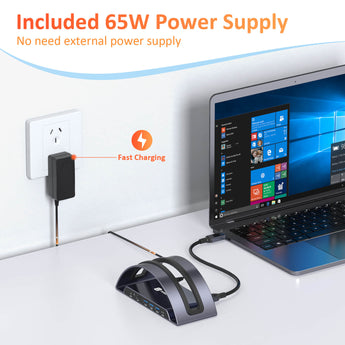
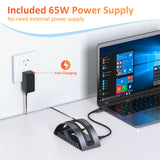
65W power supply and stable ethernet dock: This dual HDMI dock comes with a 65W power supply so that you do not need to use an additional power supply, which is very convenient. It can offer a max of 50W power charging for your USB C Windows laptop making the connection more stable. The USB C dock is equipped with an RJ45 Gigabit Ethernet port and supports a stable network speed of up to 1 Gbps and auto 10/100/1000Mbps.
-
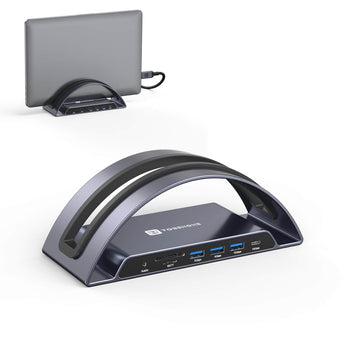
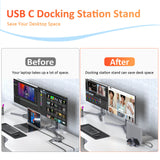
Multi-compatibility laptop dock stand: Just use a single USB C cable to connect the dock and USB C Windows laptop, you can extend the dual monitors for most Windows laptops with thunderbolt 3/4 ports. Such as Dell Latitude 13 7000/Latitude 13 E7370, Dell XPS13/15, HP Spectre, Lenovo Yoga 720/910, Microsoft Surface Book 2, Surface Pro 7, etc. Please check the USB C port of your laptop that supports DisplayPort Alternate Mode before purchase. And comes with a single USB C cable.
Compatibility
Compatible Devices(NOT a full list):
Compatible with HP:
HP EliteBook 1040 G4/EliteBook 830 g6/Elitebook 850 g5/Elitebook 840 G5 series/2018 Elite 800 G4/Elitebook 745 g6/ Elitebook x360 1030 G3/Elitebook X2/Spectre x369/Spectre x360 13t/15/15t/Spectre 360/Spectre Folio (13t-ak000cto)/Envy x360 Laptop (15z-ds100)/Envy Geforce mx250/Envy x360 15-ds1063cl/ENVY 13 (13-ad000,13-ad100) Series/ENVY Laptop 13-aq1;Zbook 17 G4/Zbook 16 G6/Zbook 15u G3/Zbook studio z5;ProBook 450 G7/Probook 440 G;HP Chromebook 14A G5/HP Chromebook-14-db0030nr;Omen laptops;
Compatible with Dell:
Dell New XPS 15 i7 64GB 2TB SSD/XPS 15 9570 (Intel 8th Gen CPU)/9550/ 9560; Dell XPS 13 9380/ 9370/ 9365/ 9360/ 9350/ 9300/ 7390 2-in-1/ 7390; Dell XPS 12 2-in-1 9250; Dell Latitude 7280/5580/5490/5480/5285/5290 2 in 1; Dell Latitude E7490/E7480/ E7470/E7370/13 E7370L/13 7000/Latitude 5310 2-in-1/Latitude 14 2-in-1 3400; Dell Alienware 15 R3/G7 15 Gaming 7588/G5 15 Gaming 5587/13 R3; Inspiron 15 2-in-1 7569/13 2-in-1 7389/13 2-in-1 7378;
Compatible with Lenovo:
Lenovo Thinkpad T590/Lenovo ThinkPad L480/Lenovo Yoga 940-14IIL / Yoga 930/ Yoga 920/ Yoga 910/ Yoga 900-13ISK/ Yoga 730/ Yoga 720-13IKB/ Lenovo Yoga 720/ Yoga 370/ 3rd generation Thinkpad Yoga/ Yoga C930 / Yoga c940/ Yoga C740-15IML/ Yoga 7i / Yoga15 Ultrabook Pro ; Thinkpad T490/ Thinkpad T490s/ Thinkpad T470/ Thinkpad T470s/ Thinkpad P72/ Thinkpad X1 Carbon (2019 model) / Thinkpad Carbon X1 Gen6/ ThinkPad X1 Extreme
Compatible with Asus:
Ling Yao 3/ Ling Yao 3PRO/ Ling Yao X Series/ 13'' Zenbook UX330UA; Zenbook ux434f/ Zenbook flip ux370u/ ZenBook Flip 14 UX461UN-DS74T/ TUF Gaming A15 Gaming Laptop/ Zephyrus G14/ Rog GX501
Compatible with Acer
aspire5 2019 / d17w3 aspire c24-865 / swift 7 sf714-52t-75r6 laptop / Swift 1 laptop / Spin 5 SP513-52N-52PL / Chromebook 11 CB311-8H-C5DV
Compatible with Surface:
Microsoft Book 2 / Go / Laptop 3; Pro 7 / Pro 5 / Pro X
Specifications
MODEL NUMBER: UDS022
DRIVERS
Plug and play, no driver needed.
FEATURES
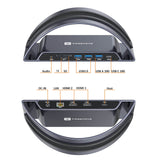
1 x Audio Port : Connect to earphones or other devices with a 3.5mm connector
1 x SD 3.0 card reader support read: 88MB/s, write: 38MB/s
1 x Micro SD card reader support read: 88MB/s, write: 38MB/s
2 x USB A Port: Support data transfer at speeds up to 5Gbp/s
1 x USB-A 3.1 Port : Support data transfer at speeds up to 10Gbp/s
1 x USB-C 3.1 Port: Support data transfer at speeds up to 10Gbp/s
1 x DC-IN Port : Charger your laptop through the DC port,power supply included
1 x Etherent Port: Supports 10/100/1000 Mbps
1 x HDMI2 Port: Connect to a device with an HDMl port to stream video at resolutions up to 4K 3840x2160@60Hz (DP1.4)[3840x 2160@30Hz (DP1.2)
1 x HDMI1 Port: Connect to a device with an HDMl port to stream video at resolutions up to 4K 3840x2160@60Hz(DP1.4)|3840x 2160@30Hz (DP1.2)
1 x USB-C Host: Connect to your Full-feature USB C Windows laptop
DIMENSIONS & WEIGHT
7.8 x 3.15 x 2.8 inches, 1.7 pounds
QUICK GUIDE
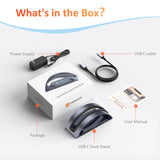
PACKAGE INCLUDES
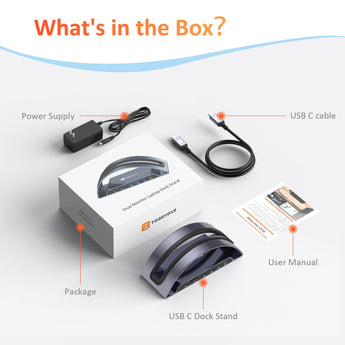
1 x UDS022 docking station stand
1 x 65W power supply (US Plug)
1 x USB C cable
1x user manual
GUARANTEE
2 Year Warranty
FAQ
Q: Does this USB C docking station compatible with my Windows laptop?
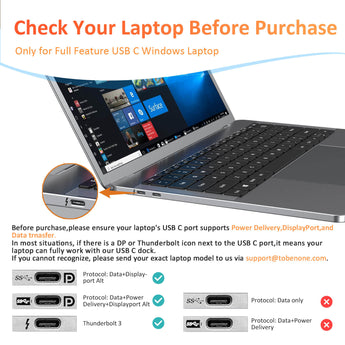
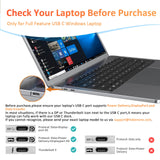
A: Please check the USB C port of your Windows laptop only support data transfer, but also support DisplayPort Alt-mode and Power delivery. Such as Thunderbolt 3/4, USB4, Type C 3.1/3.2 Gen 2 with Power Delivery & DisplayPort. If you are not confirming, please let us know to solve it for you.
Q: Does this USB C laptop docking station stand support dual 4k monitors at the same time?
A: Yes, it can. Please make sure your laptop, hdmi cable and monitors support 4K.
Help & Setup
If you have any questions, please let us know via support@tobenone.com.
1. Why do I have no display when the USB C dock stand is connected?
1> Please check the USB C port of your Windows laptop only support data transfer, but also support DisplayPort Alt-mode and Power delivery.2> Please check your HDMI cable.
3> Please remove all cables - reboot your laptop - attach the power supply to the DC-IN port - attach others devices to the dock such as the monitor.
Shipping & Returns
30-Day Returns • 2-Year Warranty • Free US Shipping