
Install initiate InstantView to display
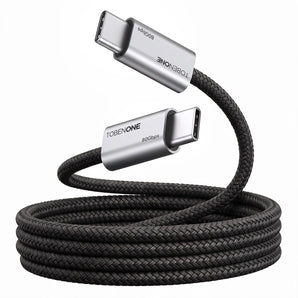
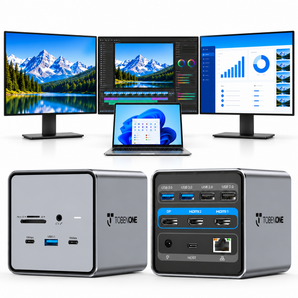
1> Firstly, connect the docking station to the laptop via USB c cable, and you will see a disk named "INSTANTVIEW"
2> Double click and open the file, according to your system choose the proper application and complete the driver installation within seconds
3> For macOS, the app will require a screen recording permission to capture pixels and send them to your external monitors: Apple Menu-->System Preference--> Security&Privacy->select "Privacy" tab->Scoll to find" Screen Recording" and check "macOS InstantView"
NOTE: The INSTANVIEW app doesn't store or record any screen content.
If you cannot find the disk, please install the driver by visiting https://www.siliconmotion.com/product/Graphics-Display-SoCs.html