UDS033D DisplayLink Docking Station, 19-in-1 Quad Monitor Dock with 4 HDMI Outputs & 2.5Gbps Ethernet
Couldn't load pickup availability
Description
High-performance USB4 cable with up to 80Gbps data transfer, 240W Power Delivery, and 8K@120Hz video support. Designed for fast, reliable connectivity across your modern USB-C setup.
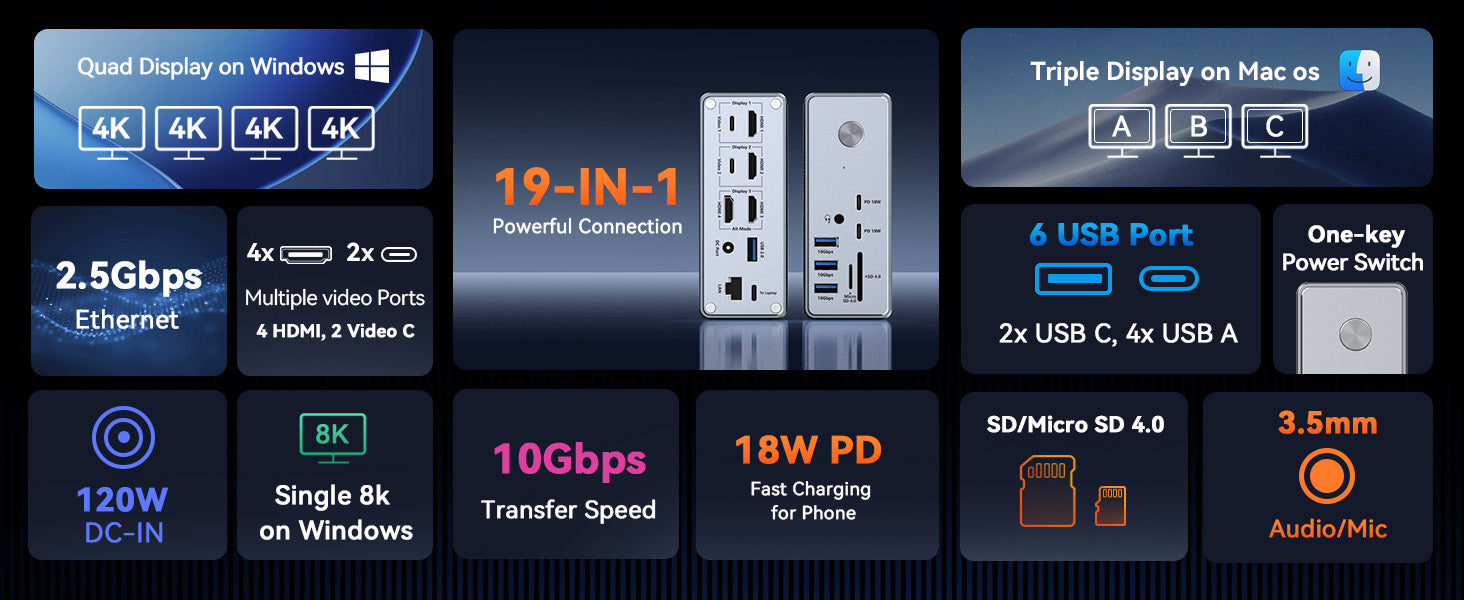
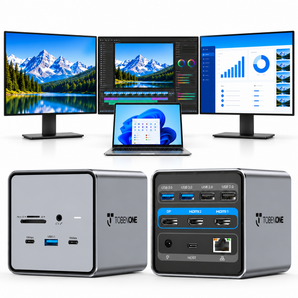
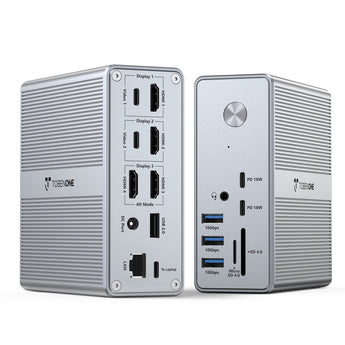
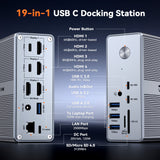
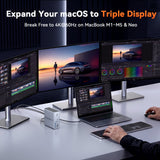
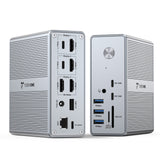
Expand your workspace with the TobenONE UDS033D 4 Monitor DisplayLink Docking Station. Featuring 4 HDMI outputs and 18 versatile ports, it connects multiple displays, USB devices, Ethernet, SD cards, and audio accessories through a single dock.
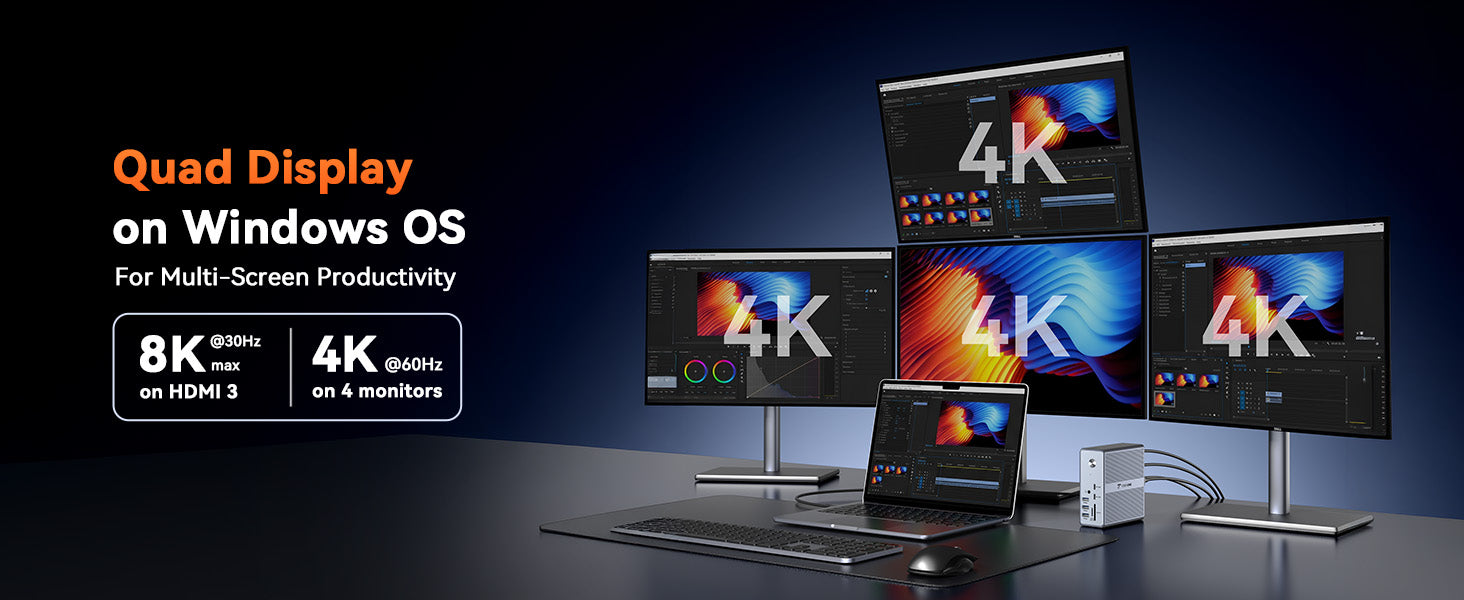
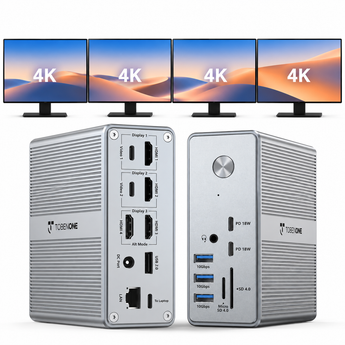
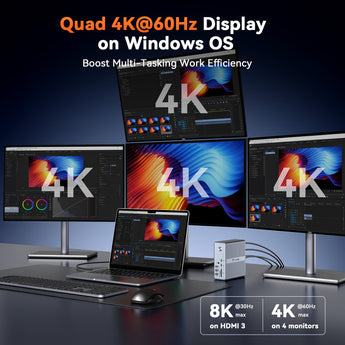
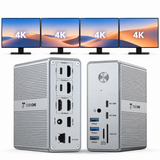
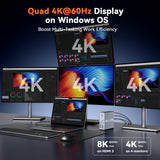
Designed for professionals, creators, and multitaskers, this dock supports up to 4 external 4K monitors on Windows laptops and delivers a cleaner, more efficient desktop setup.
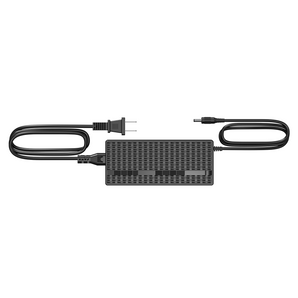
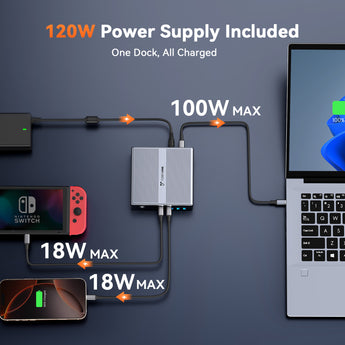
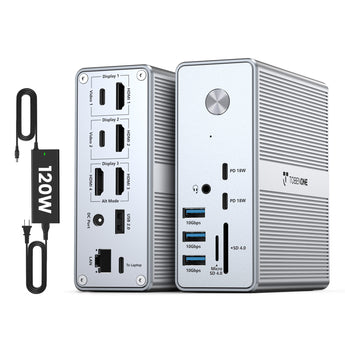
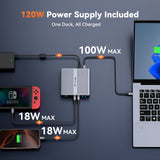
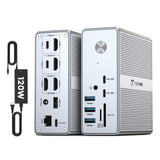
Powered by the included 120W power adapter, it provides up to 100W Power Delivery charging for compatible laptops and up to 18W charging for USB-C devices.
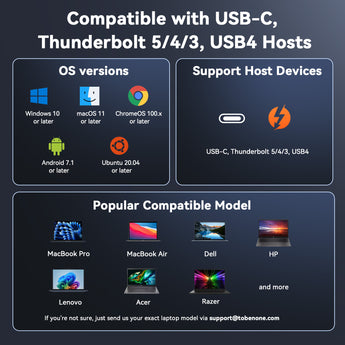
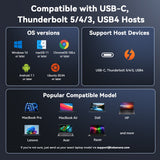
Compatible with Thunderbolt 5/4/3, USB4, and full-featured USB-C laptops with DisplayLink driver installation.
Compatibility
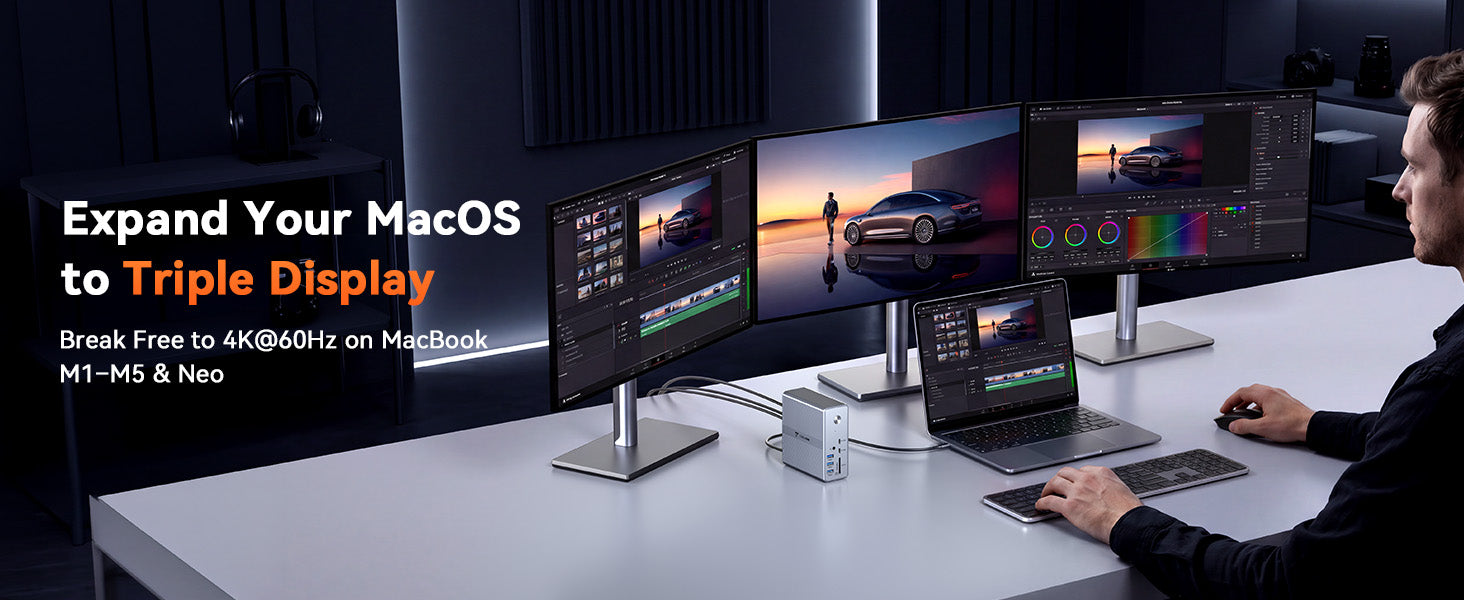
USB4 and Thunderbolt™ 5/4/3 compatible. Works with MacBook, iPad, iPhone, Mac mini, SSDs, docking stations, monitors, and more.
Recommended System
- Windows 10 / 11
Compatible Devices
- Thunderbolt 5 / 4 / 3 laptops
- USB4 laptops
- Full-featured USB-C laptops
Compatible Laptop Brands
Dell, HP, Lenovo, Microsoft Surface, ASUS, Acer, LG, Samsung, and more.
Note:
DisplayLink driver installation is required before use.
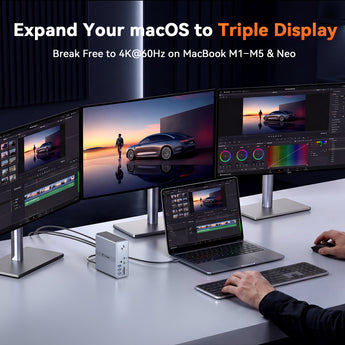
For the best multi-monitor experience, Windows laptops are recommended.
Specifications
Data Transfer: Up to 80Gbps
Power Delivery: Up to 240W
Video Output: Up to 8K@120Hz
Connector: USB-C to USB-C
Cable Type: USB4
Length: 1ft / 1.6ft / 3.3ft
Color: Black / Orange
MODEL NUMBER: UDS033D
COLOR: Gray
DRIVERS
Please install the DisplayLink driver before using the dock.
Driver Download
Installation Manual
FEATURES
Video Output
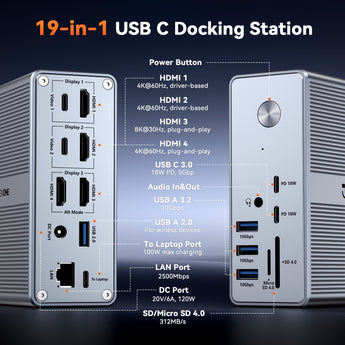
- Display 1: Up to 4K@60Hz (DisplayLink)
- Display 2: Up to 4K@60Hz (DisplayLink)
- HDMI 3: Up to 8K@30Hz / 4K@60Hz (Plug & Play)
- HDMI 4: Up to 8K@30Hz / 4K@60Hz (Plug & Play)
USB & Data
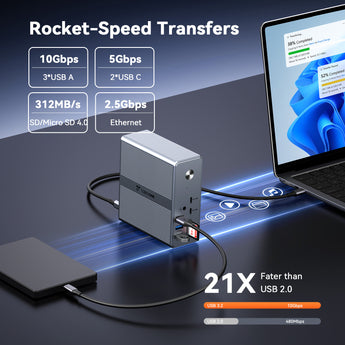
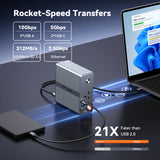
- 3 × USB-A 3.2: Up to 10Gbps
- 2 × USB-C 3.0: Up to 5Gbps + 18W charging
- 1 × USB-A 2.0: Up to 480Mbps
Card Reader
- SD 4.0 / TF 4.0
- Read speed up to 260MB/s
Network & Audio
- 2.5Gbps Ethernet Port
- 3.5mm Audio Jack (Audio output & microphone)
Power
- 120W Power Adapter Included
- Up to 100W Power Delivery Charging
Compatibility
Compatible with:
- Thunderbolt 5 / 4 / 3 laptops
- USB4 devices
- Full-featured USB-C laptops
Note: DisplayLink driver installation is required for multi-monitor functionality.
Important Notes
- Windows laptops can support up to 4 external displays when the USB-C port supports video output.
- Display support may vary depending on laptop model, cables, and monitors.
- Update the DisplayLink driver after updating your operating system.
Dimensions & Weight
Dimensions: 1.5 × 4.2 × 4.3 inches
Weight: 17.6 oz
QUICK GUIDE
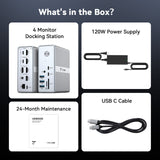
Package Includes
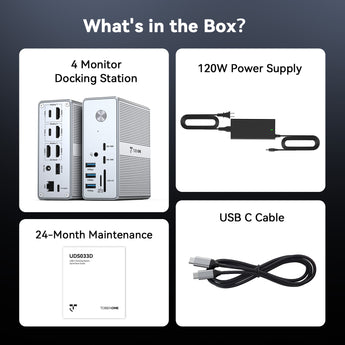
- 1 × UDS033D Docking Station
- 1 × 120W Power Adapter
- 1 × USB-C Cable
- 1 × User Manual
Guarantee
2-Year Warranty
Help & Setup
If you have any questions, please let us know via support@tobenone.com.
Shipping & Returns
30-Day Returns • 2-Year Warranty • Free US Shipping