Q: Connect all cables, but can not work. What should I do?
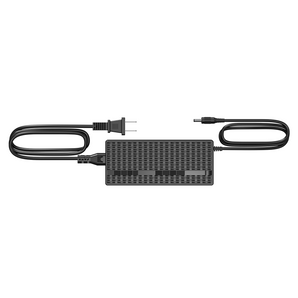
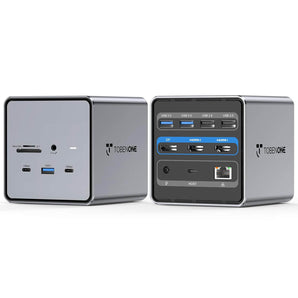
A: 1>Please attach the included power adapter to the dock's PD port.
2>Please try other HDMI cables to connect the monitors, so we can know if there is any defective cable
3> Unplug the dock and replug it into the left side ports of your MacBook Pro.
Q: What to do if the second screen is not bright?
A: 1>Please attach the power supply to the PD port so all devices can run more stable
2>Please ensure the connection is correct and all cables connect firmly.
Q: How to set up dual monitors for MacBook Pro/Air?
A: 1>Please ensure your laptop is MacBook Pro 2016-2023 MacBook Air 2018-2021(NOT M1/M2/M3 chip)
2>Please attach the charger to the dock's PD port
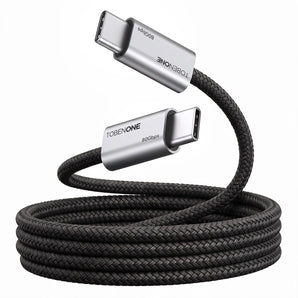
3>Attach the dual USB C cable to the dock and the MacBook
4>Add external devices, such as mouse, monitor, etc