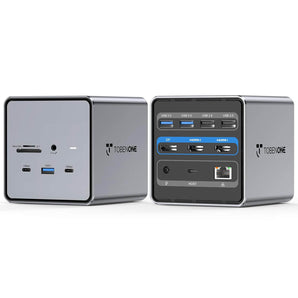
1. Connect all cables, but can not work. What should I do?
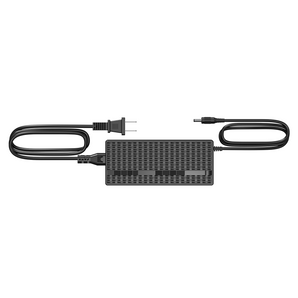
1>Please attach the power adapter to the dock's PD port.
2>Please try other HDMI cables to connect the monitors, so we can know if there is any defective cable
3> Unplug the dock and replug it into the left side ports of your MacBook Pro.
2. What to do if the second screen is not bright?
1>Please attach the power supply to the PD port so all devices can run more stable
2>Please ensure the connection is correct and all cables connect firmly.
3. How to set up dual monitors for MacBook Pro/Air?
1>Please ensure your laptop is MacBook Pro 2016-2021 MacBook Air 2018-2021(NOT M1/M2 chip)
2>Please attach the charger to the dock's PD port
3>Attach the dual USB C cable to the dock and the MacBook
4>Add external devices, such as mouse, monitor, etc
UDS013 Docking Station Troubleshooting
Workspace Essentials
Essential accessories for your workspace setup

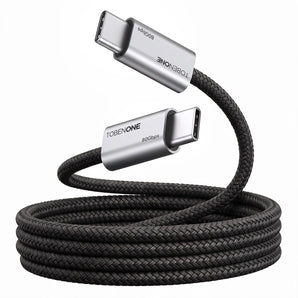
80Gbps USB4 Cable for Thunderbolt 5/4/3, 240W, 8K@120Hz, 3.3FT
£31.00
From £24.00
/
Black
Orange
Available in 2 colors


100W USB C Laptop Charger Universal GaN III Power Supply Adapter
£31.00
£28.00
/


Dual USB-C Cables Only Work with TobenONE Products (2ft/0.6m)
£16.00
£11.00
/


2 Pcs USB C to USB C Cable
£16.00
£14.00
/