






UDS009 Docking Station Dual Monitor 13-In-2 Triple Display USB-C Hub for MacBook Pro/Air
Verfügbarkeit für Abholungen konnte nicht geladen werden
Description
High-performance USB4 cable with up to 80Gbps data transfer, 240W Power Delivery, and 8K@120Hz video support. Designed for fast, reliable connectivity across your modern USB-C setup.
-
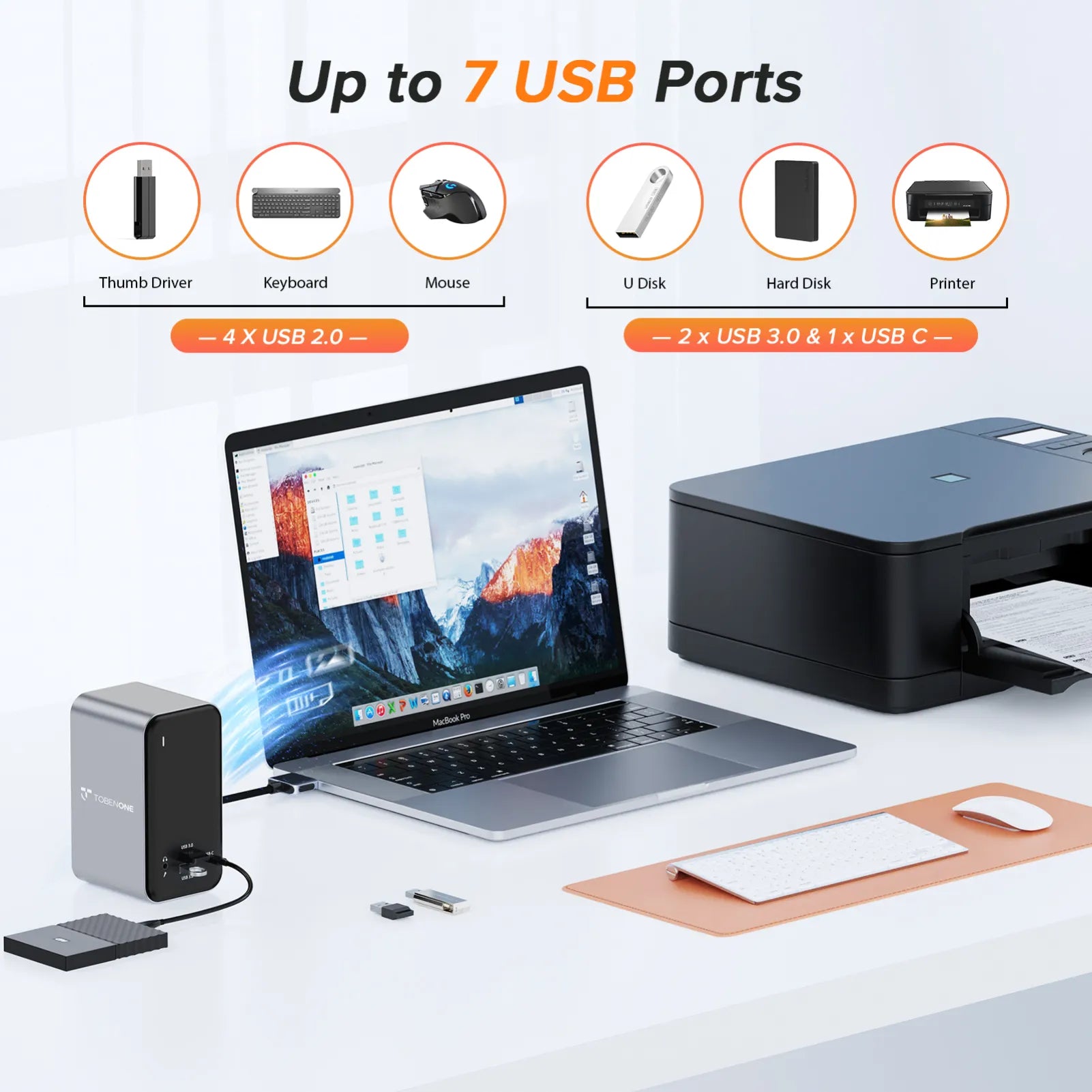
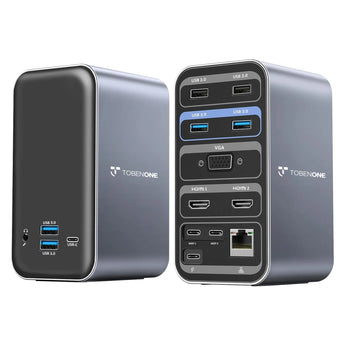
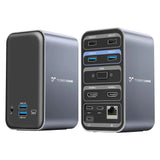
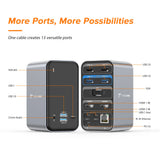
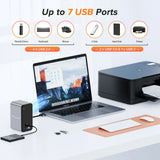
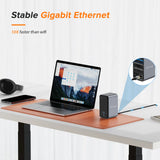
13 IN 2 USB C Docking Station: This USB C docking station dual monitor for MacBook Pro/Air perfectly combines all functions you need. It is equipped with 2 4K HDMI, 1x VGA, 4 x USB 3.0 and 1 x USB C (up to 5Gbps), 2 x USB 2.0 (for wireless devices), USB C PD 3.0 port (support max 85w output ), 3.5 mm Audio/Mic, Gigabit Ethernet, and dual HOST port (connect to the MacBook and dock). Just use a single USB C cable with two outputs on each end to connect your all devices to meet your needs in daily life.
-
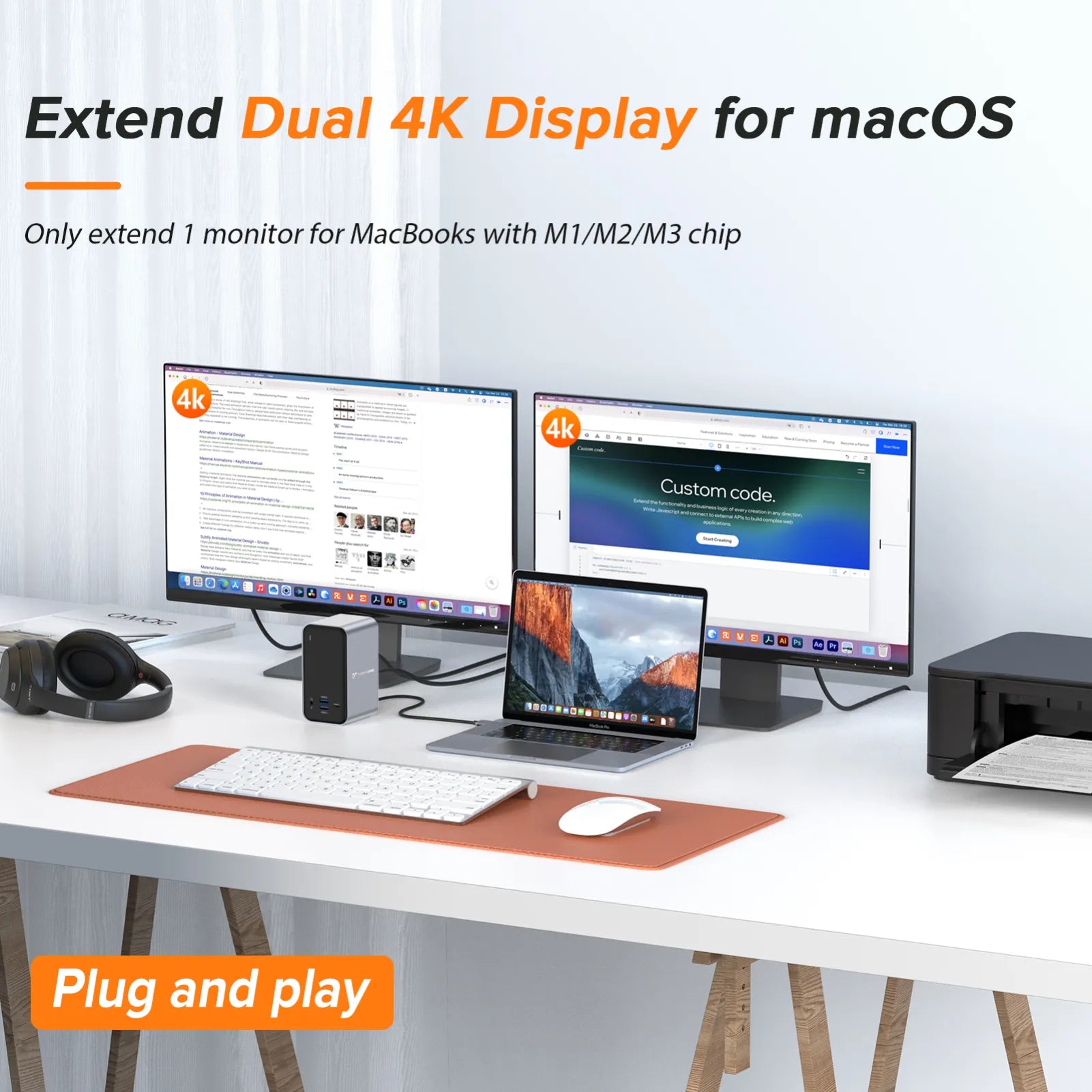
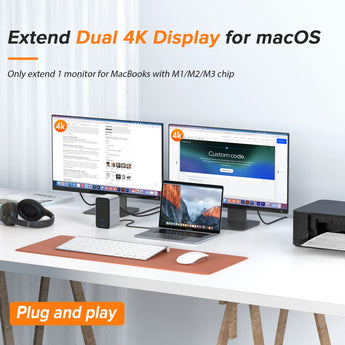
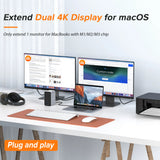
Especially for Your MacBook Pro/Air: The TobenONE MacBook Pro docking station can extend dual monitors for 2021 MacBook Pro M1 Pro/M1 Max, 2023 MacBook Pro M2 Pro/M2 Max/M3 Pro/M3 Max, 2016/2017/2018/2019/2020 MacBook Pro Intel chip, 2018/2019/2020 MacBook Air Intel chip. MUST NOTE: 13-inch 2020 MacBook Pro/Air M1 chip, 13-inch 2022 MacBook Pro/Air M2 chip, 14-inch 2023 MacBook Pro M3 chip, 15-inch 2023MacBook Air M2 chip only can extend one monitor. Cannot work for Windows.
-
Extend Dual 4K Monitors MacBook Docking Station: The USB C MacBook Pro docking station allows you to access dual 4K external monitors via 2 HDMI ports, perfect to deal with those highly productive tasks with Ultra HD image and video output, such as streaming movies, presentations or video games. macOS users can connect a single display up to 4K@60Hz via HDMI port, dual monitors will be 4K@30Hz.
-
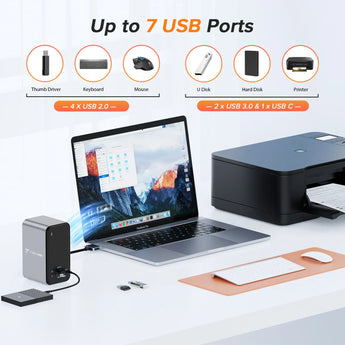
Superspeed Data Transfer: Ultra-fast data transfer with a rate of 5Gbps for the USB 3.0 port and USB-C port. The MacBook Pro Adapter has two USB 2.0 Ports that are specially designed for your wireless devices, such as keyboard and mouse, offer you a stable WiFi connection. (Note: The front USB-C port supports data transfer, NOT for Alternate mode DisplayPort)
-
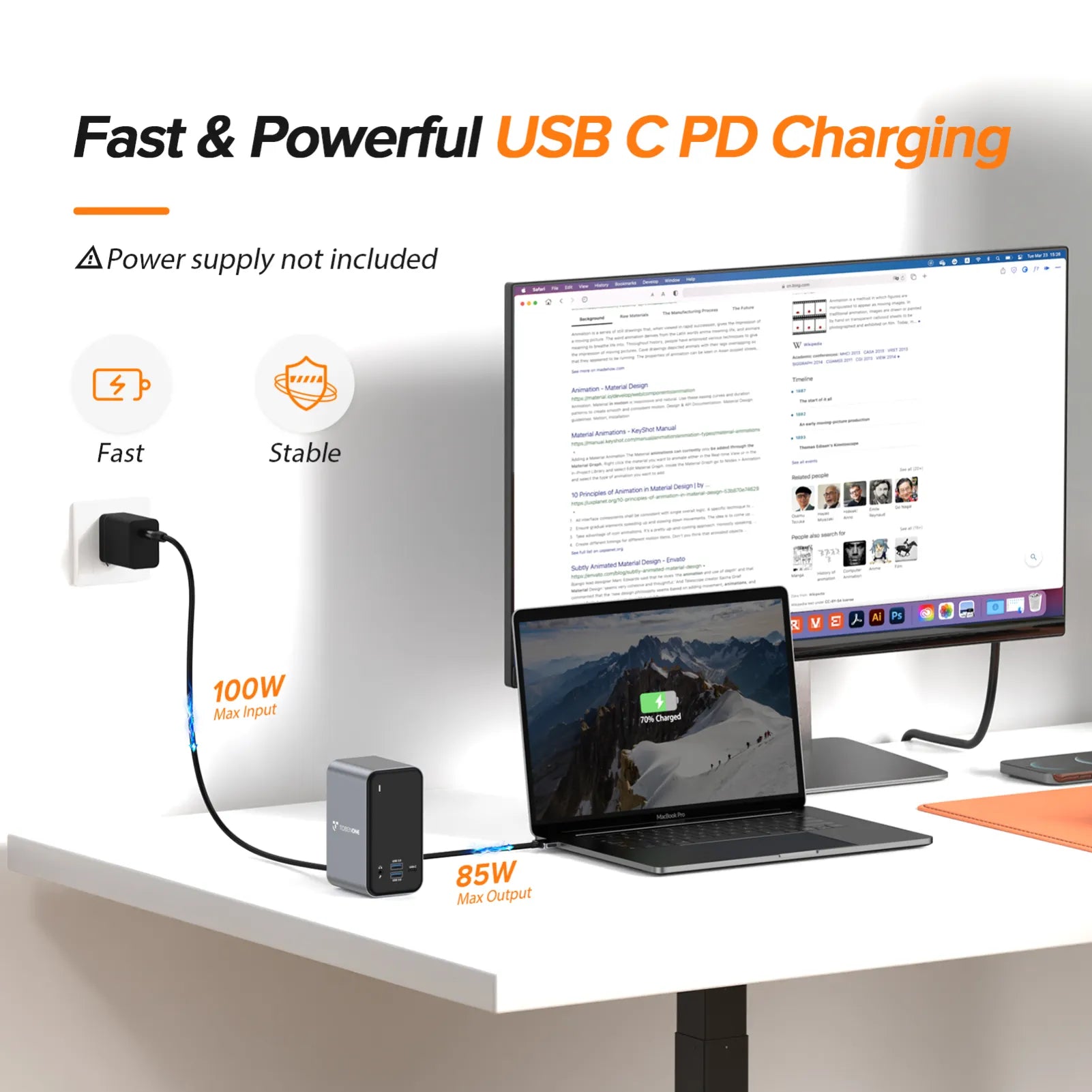
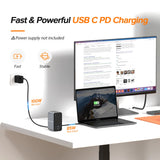
Up to 87W Charging with Dual Monitor Docking Station: Using the latest chipset that supports up to 100W power input(PD3.0), and offers max 87W power charging for your connected USB C /Thunderbolt 3 laptop/notebook, this dual monitor MacBook pro USB C adapter hub offers high-speed charging for all connected phone or other devices simultaneously.
Compatibility
USB4 and Thunderbolt™ 5/4/3 compatible. Works with MacBook, iPad, iPhone, Mac mini, SSDs, docking stations, monitors, and more.
Compatibility:
Retina 13 inch 2018/2019/2020 MacBook Air Intel Chip
13 inch 2016/2017/2018/2019/2020 MacBook Pro Intel Chip
14 inch 2021 MacBook Pro M1 Pro or M1 Max; 2023 MacBook Pro M2 Pro or M2 Max; 2023 MacBook Pro M3 Pro or M3 Max; 2024 MacBook Pro M4, M4 Pro or M4 Max chip
15 inch 2016/2017/2018/2019 MacBook Pro Intel Chip
16 inch 2021 MacBook Pro M1 Pro or M1 Max; 2023 MacBook Pro M2 Pro or M2 Max; 2023 MacBook Pro M3 Pro or M3 Max; 2024 MacBook Pro M4, or M4 Pro, or M4 Max chip
NOTE:
1> M1/M2/M3 Mac Users Only can get one external monitor:
MacBook Pro (14-inch, M3, 2023); MacBook Pro (13-inch, M2, 2022); MacBook Pro (13-inch, M1, 2020);
MacBook Air (15-inch, M3, 2024); MacBook Air (13-inch, M3, 2024); MacBook Air (15-inch, M2, 2023); MacBook Air (M2, 2022); MacBook Air (M1, 2020)
2> This MacBook docking station dual monitor HDMI is not compatible with all Windows & ChromeOS laptops.
Specifications
Data Transfer: Up to 80Gbps
Power Delivery: Up to 240W
Video Output: Up to 8K@120Hz
Connector: USB-C to USB-C
Cable Type: USB4
Length: 1ft / 1.6ft / 3.3ft
Color: Black / Orange
MODEL NUMBER: UDS009
DRIVERS
Plug and play, no driver needed.
FEATURES
1 x USB-C Gen1: 5Gbps
4 x USB 3.0: 5Gbps/s
1 x 3.5mm Audio/Microphone: Listen to music
2 x USB 2.0: Add a keyboard, mouse, and printer
1 x VGA: resolution up to 1080P@60Hz
1 x HDMI1: resolution up to 4K/60Hz
1 x HDMI2: resolution up to 4K/30Hz
2 x USB-C: Connect Host
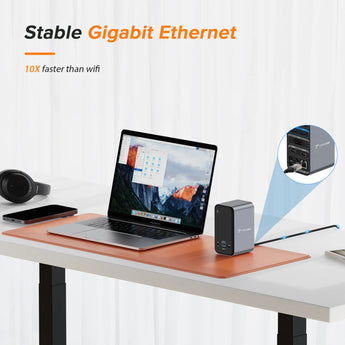
1 x Gigabit Ethernet: Speed up to 10/100/1000M
1 x PD3.0: Support 100W input, 87W output
DIMENSIONS & WEIGHT
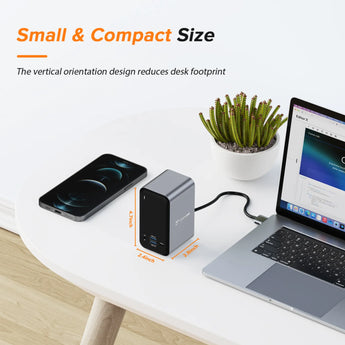
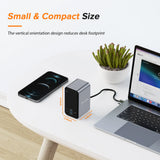
6.06 x 5.94 x 2.83 inches, 1.12 pounds
QUICK GUIDE
PACKAGE INCLUDES
1 x UDS009 docking station
1 x dual USB-C cable
1 x user manual
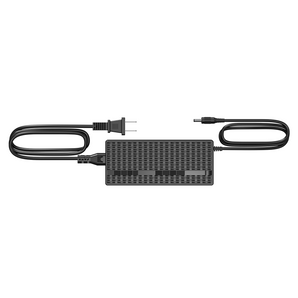
power supply (65W/100W optional)
GUARANTEE
2 Year Warranty
Help & Setup
If you have any questions, please let us know via support@tobenone.com.
1. How to set up dual monitors with Your MacBook?
1>Please ensure your laptop is MacBook Pro 2016-2021 MacBook Air 2018-2021(NOT with an Apple M1 chip, macOS with the Apple M1 chip can only extend one monitor.)2>Please attach the power supply to the PD port of our docking station.
3> Attach the dual USB C cable to the docking station (HOST1 and HOST2) and the MacBook
4> Attche monitors to the dock via dual HDMI or VGA port
5> Attach others devices that you want to add, such as wireless keyboard, projector, desk monitors, etc. Add your devices one by one can help to protect the dock and your laptop.
2. Why can't I charge my MacBook Pro to 100W when using the USB C dock?
1> Because the MacBook Pro docking station dual monitor itself consumes part of the power.
2> Depends on your power supply. If you use a 100W charger, you can charge your laptop at a maximum of 85W. If you use a charger less than 60W, you can charge your laptop at a maximum of 45W.
We recommend using a power supply than 65W for a more stable connection.
3>Please check the host USB-C port of your device support power delivery or not.
4>Please connect the power supply to the PD port on the USB C docking station before connecting an external hard drive or multiple display purposes.
Shipping & Returns
30-Day Returns • 2-Year Warranty • Free US Shipping